
AI video editor: change one thing, keep the shot
Upload your clip, trim the seconds to fix, pick a task and say what to change in one line. Check the edit on a preview frame, then render it. Everything else in the shot stays as you filmed it.


Drop a clip to edit
MP4 or MOV, up to 95 MB and 10 minutes. You trim the part to change next.
Task
Name the thing and where it is. Faces, identities and what people say are never changed.
Output
25 credits once after you confirm your email: one preview frame of your clip.
Real edits
Edits made with the five tasks
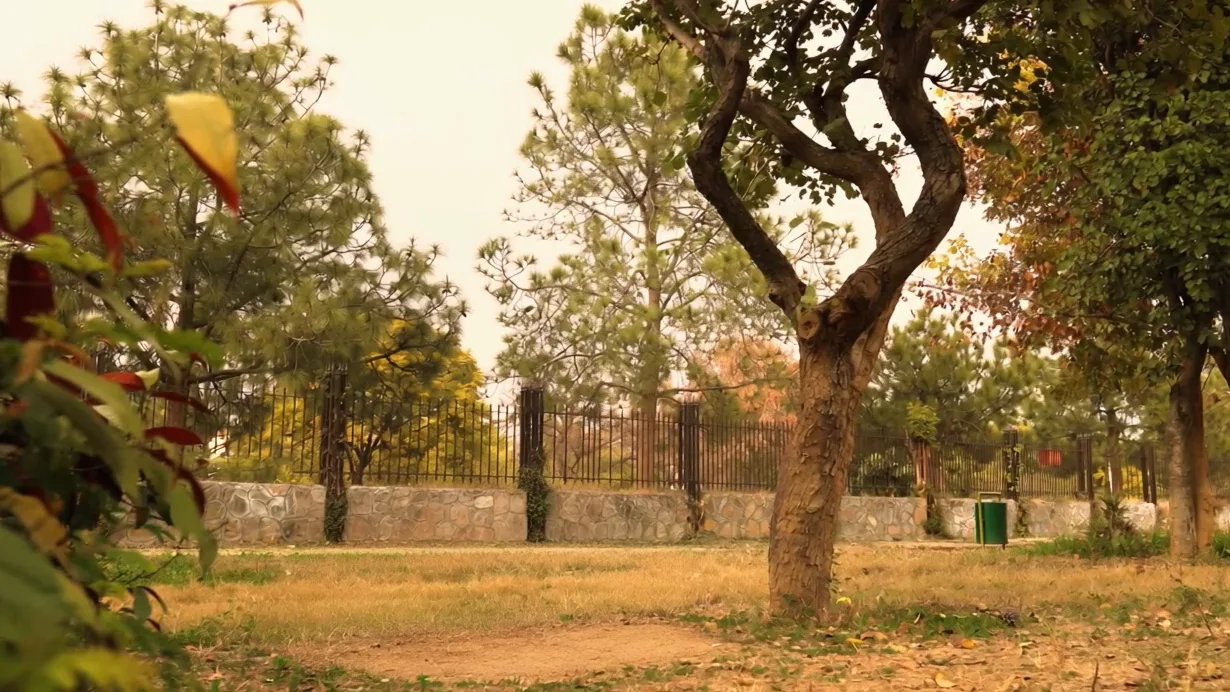
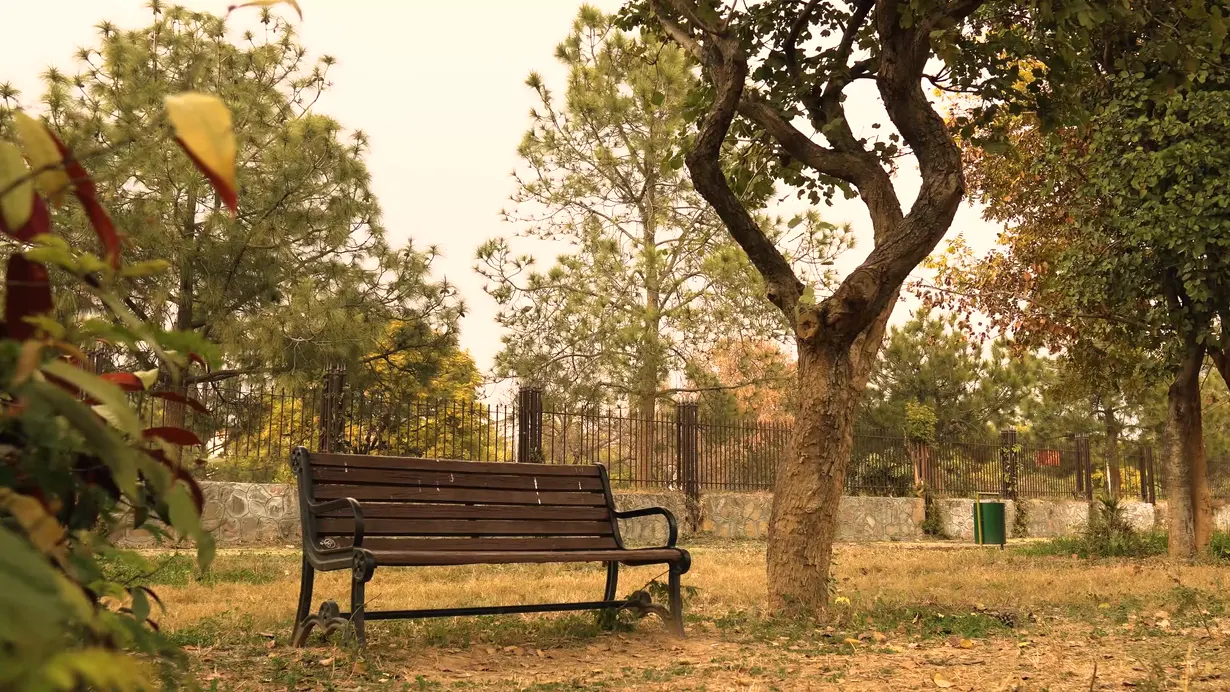
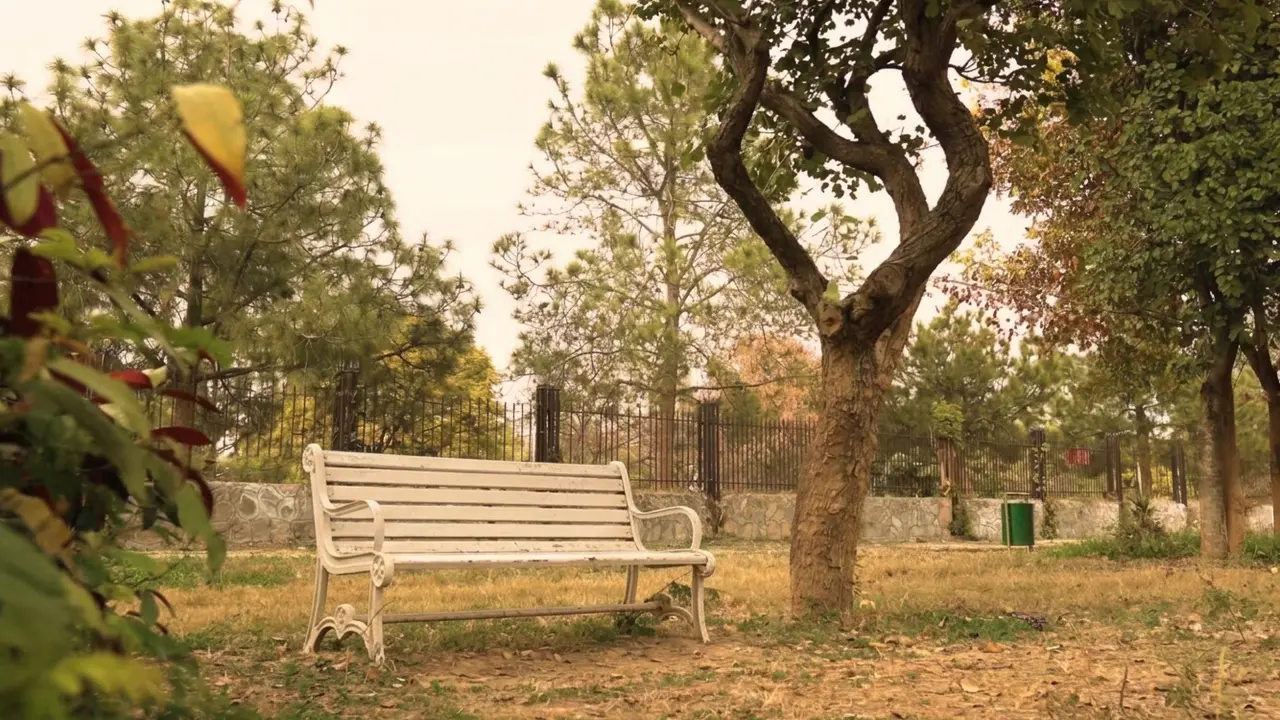
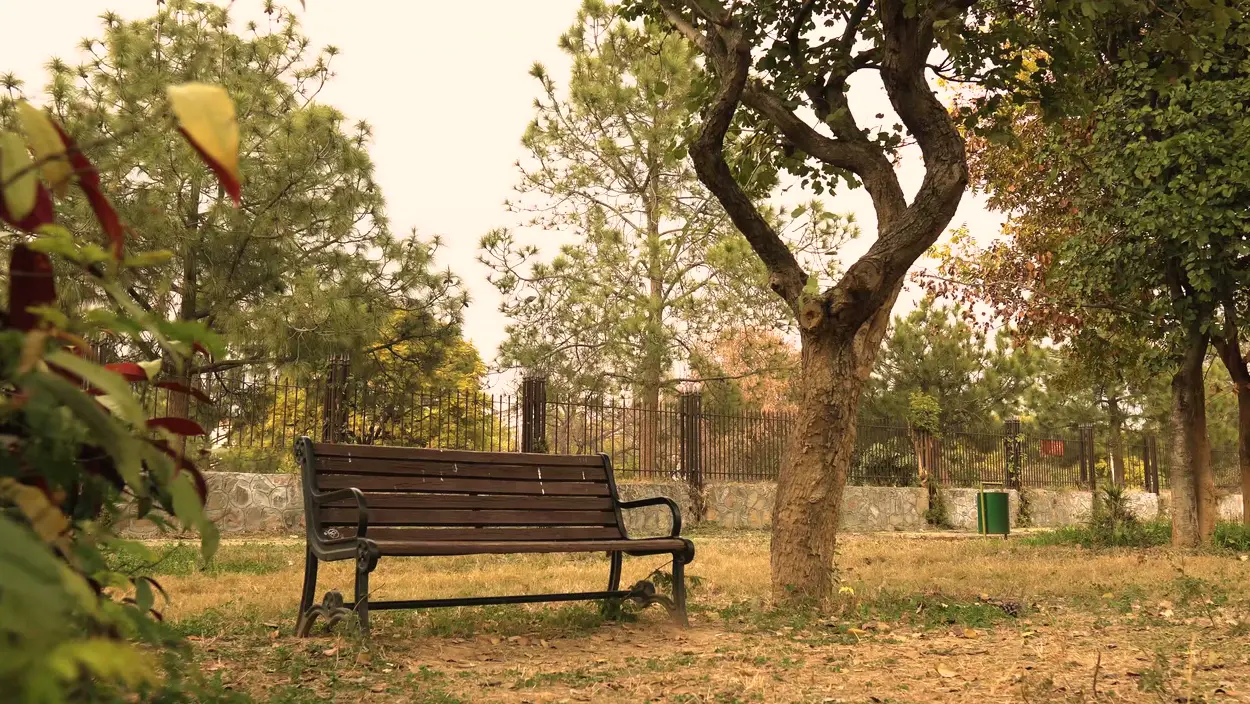
Each one is a real run on a stock shot, with the line that was typed and no hand fixes. Drag the playhead to compare the original and the edit.



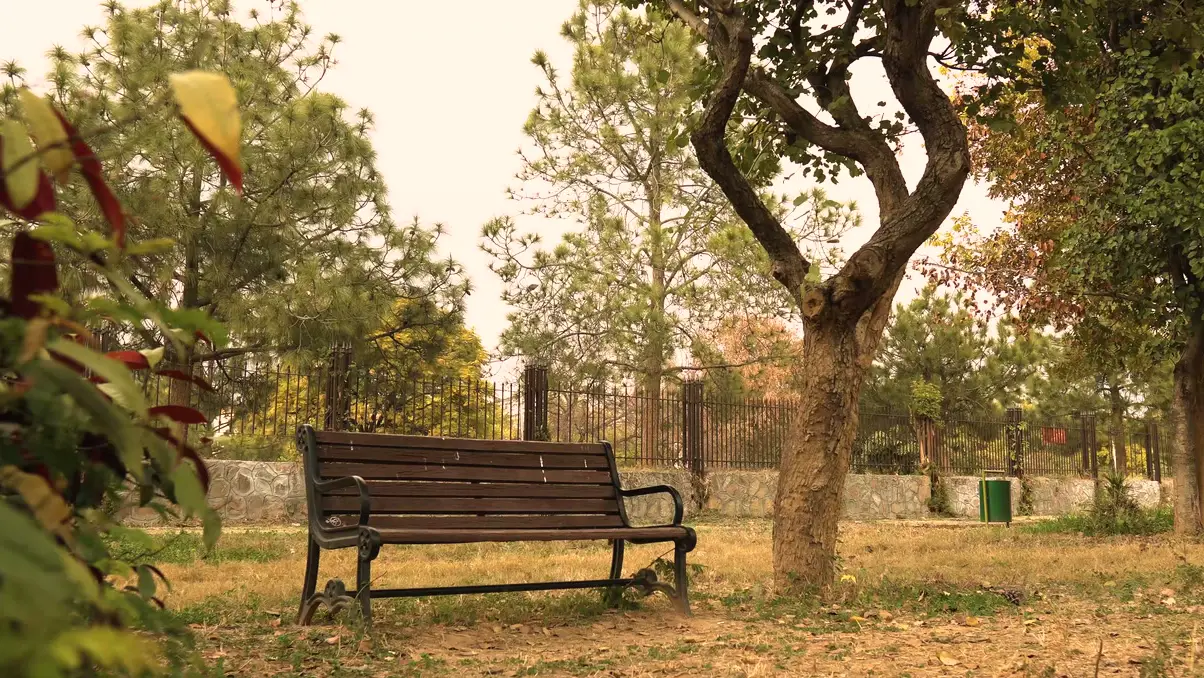
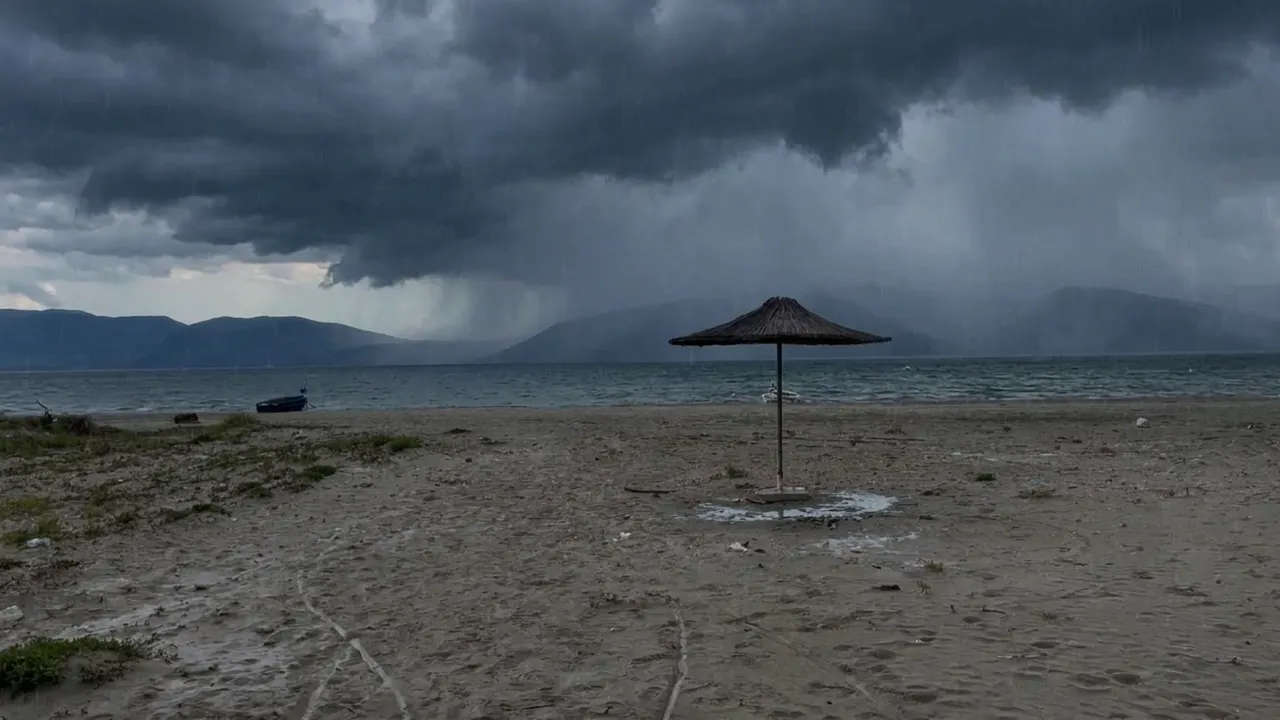



Five tasks
One change per edit, the rest of the shot untouched
Pick the task that matches the fix. Each one is told to keep framing, camera motion, timing and people exactly as filmed.
- 01
Remove
Take out a bin, a sign, a cable or a stray bag, and fill the gap with what would be behind it in every frame.
- 02
Replace
Swap one item for another in the same place, size and motion: a mug for a glass, last year's product for this one.
- 03
Relight
Change the light of the whole clip: golden hour, overcast, neon night or a warmer interior.
- 04
Weather
Turn a grey sky blue, add light snow or rain, or bring in fog, consistently across the clip.
- 05
Extend
Add 5 or 10 seconds that continue the shot from its last frame, for a longer b-roll or a cleaner ending.
How it works
How to edit a video with AI in three steps
Trimming, cropping and muting are free. You only pay for a preview frame or a render.
- 01
Upload and trim
Drop an MP4 or MOV up to 95 MB and 10 minutes. Scrub to the part to change and keep 3 to 15 seconds; crop to 16:9, 9:16 or 1:1 if you need to.
- 02
Pick a task, write one line
Choose Remove, Replace, Relight, Weather or Extend and say what to change. A preview frame shows the edit on one still before you pay for the render.
- 03
Render, compare, download
The render runs on our side; watch the original and the edit side by side, then download the MP4. A failed render returns its credits.
Credits
What an edit costs
Renders are priced per second of the part you trimmed, or per extension. The total shows on the button before you render.
| Task | Credits | Model |
|---|---|---|
| Remove or replace, 720p | 102 per second | Kling 3.0 Omni |
| Remove or replace, 1080p | 136 per second | Kling 3.0 Omni |
| Relight or weather, 720p | 46 per second | Seedance 2 Mini |
| Extend by 5 seconds, 720p | 164 | PixVerse V6 |
| Extend by 10 seconds, 720p | 324 | PixVerse V6 |
| Preview frame (one still) | 25 | Nano Banana 2.1 |
Remove and replace bill at least 3 seconds, relight and weather at least 4. Edited clips come back without sound. Failed renders are refunded, and clips the upload check refuses are never charged.
Pricing
Plans for one editor or a whole team
Pick a monthly or yearly plan for regular edits, team seats for a shared pool, or a pack for one project. Your first 25 credits are free: one preview frame of your own clip.
Assembly Cut
For a few fixes a month
$11.04/month
$132.50 billed once a year
or $13.25 billed monthly
- 3,305 credits a month
- About 6 five-second remove edits a month at 720p
- 39,660 credits for the year, released 3,305 at a time each month
- Remove, replace, relight, weather and extend
- Free trim, crop and mute before an edit
Fine Cut
For creators who fix footage every week
$25.38/month
$304.50 billed once a year
or $30.45 billed monthly
- 8,015 credits a month
- About 15 five-second remove edits a month at 720p
- 96,180 credits for the year, released 8,015 at a time each month
- Remove, replace, relight, weather and extend
- Free trim, crop and mute before an edit
- API keys and MCP from scripts
Picture Lock
For busy editors with many clips to fix
$58.63/month
$703.50 billed once a year
or $70.35 billed monthly
- 19,535 credits a month
- About 38 five-second remove edits a month at 720p
- 234,420 credits for the year, released 19,535 at a time each month
- Remove, replace, relight, weather and extend
- Free trim, crop and mute before an edit
- API keys and MCP from scripts
Team plans
Billed per seat with a minimum of 3. Every seat tops up one pool the whole team draws from; colleagues come in through an invite link.
Splice Desk
A shared pool for a small editing team
$261.50per seat a year
or $26.15 per seat billed monthly
3 seats: $784.50 in total
- 20,955 pooled credits monthly (6,985 per seat)
- One shared credit pool for the team
- Remove, replace, relight, weather and extend
- Free trim, crop and mute before an edit
- API keys and MCP from scripts
Colour Room
A larger shared pool for a production team
$603.50per seat a year
or $60.35 per seat billed monthly
3 seats: $1,810.50 in total
- 50,295 pooled credits monthly (16,765 per seat)
- One shared credit pool for the team
- Remove, replace, relight, weather and extend
- Free trim, crop and mute before an edit
- API keys and MCP from scripts
Credit packs
One-time purchases that never renew and never expire, for a single project.
Single Take · $9.05
1,815 credits that never expire, about 3 five-second remove edits at 720p.
Scene Pack · $19.45
4,085 credits that never expire, about 8 five-second remove edits at 720p.
Dailies Pack · $46.35
10,185 credits that never expire, about 19 five-second remove edits at 720p.
New accounts get 25 credits after the email check, no card asked: enough for one preview frame of your own clip, one grant per mailbox. They never expire.
Refund window: 7 days for monthly plans, 21 for yearly plans and 14 for packs, provided no more than 10% of the credits went into edits. The unspent share is what comes back.
Questions about editing video with AI
What does univid.app do to my clip?
It changes one thing you describe and keeps the rest of the shot. You trim 3 to 15 seconds, pick Remove, Replace, Relight, Weather or Extend, write one line, check a preview frame, and render the edit as an MP4.
Is this a full timeline editor?
No. univid.app edits by instruction: one change per render, with free trim, crop and mute before it. Cutting a whole film, titles and music still belong in a timeline editor; bring the edited clip back into it.
Which clips work best?
Steady or slowly moving shots where the thing to change is clearly visible and does not cross in front of people. MP4 or MOV, up to 95 MB and 10 minutes, between 9:16 and 16:9; crop very wide or tall frames first.
What is a preview frame?
One still from your trimmed clip with the edit applied, for 25 credits. It shows whether the line is understood before you pay for the render. Extend has no preview because it adds new seconds.
What does an edit cost?
Remove or replace at 720p is 102 credits per second (136 at 1080p); relight or weather 46 per second; extend 164 credits for 5 seconds or 324 for 10. A 5-second remove costs 510. The total shows before you render.
Can it change faces or make someone say something?
No. univid.app does not change who a person is: no face or identity edits, no lip sync, and no making anyone say or do something they did not. Requests like that are refused before anything is charged.
All questionsMore answers in the help centerEdit clips from your AI assistant (MCP)
Updated
Have a clip with one thing wrong?
Trim it, say what to change, and check it on a frame before you render.